
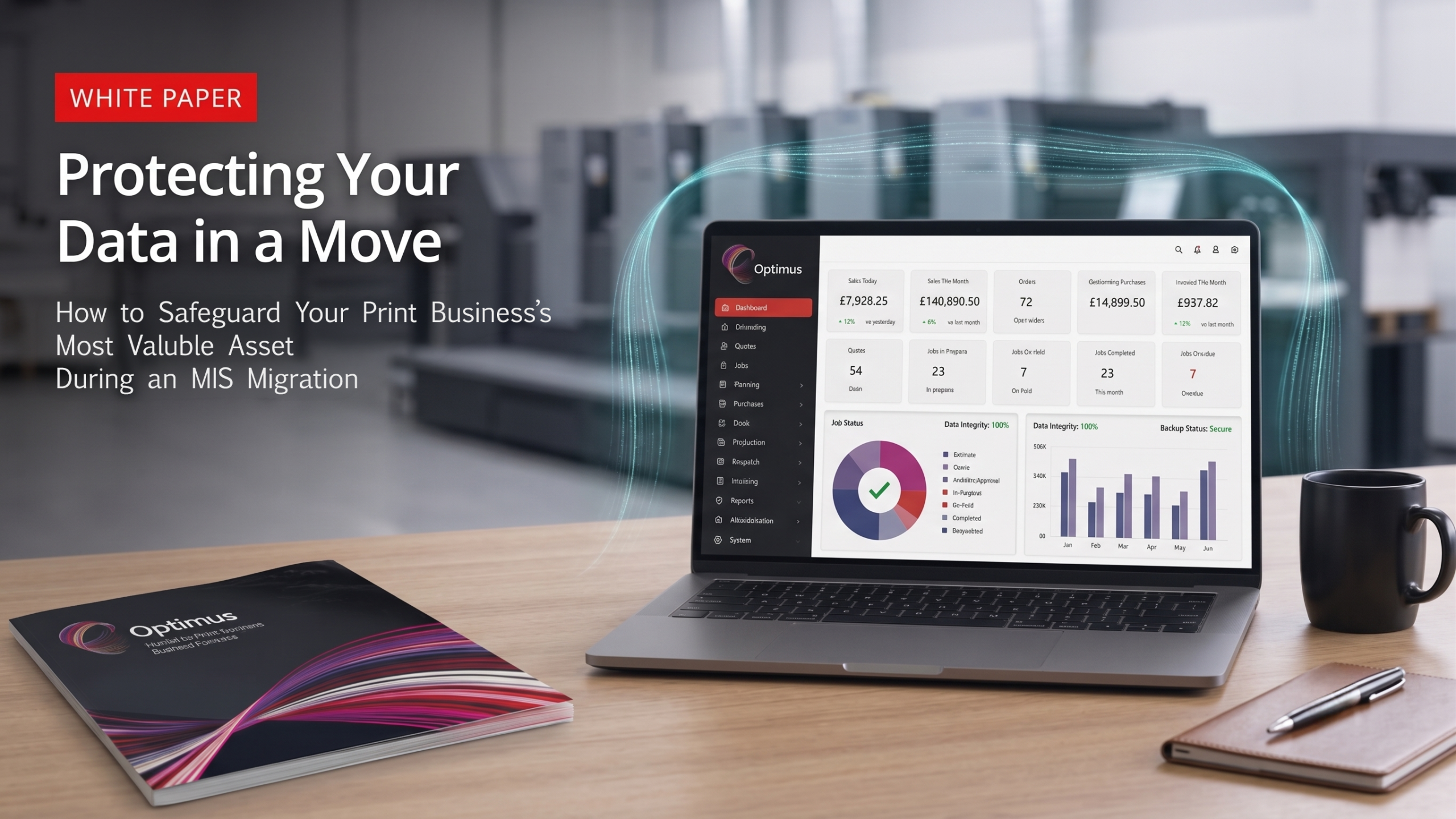
How Safe Is Your Data When Changing MIS? White Paper 3 of 7
How to Safeguard Your Print Shop’s Most Valuable Asset During an MIS Migration
Executive Summary
If your presses break down, you can outsource work or operate manually for a few days. However, if you lose your customer databases, pricing matrices, and historical job data, your business stops dead in its tracks. Data is the lifeblood of a modern print shop.
Unfortunately, data migration is often treated as an afterthought during software implementations — a simple ‘export/import’ task delegated to an intern. This mindset leads to missing files, corrupted databases, and massive security vulnerabilities.
This white paper provides a secure, step-by-step framework for cleansing, mapping, transferring, and validating your business data. By following this protocol, you can ensure your data survives the move and emerges cleaner and more actionable than ever before.
1. The ‘Garbage In, Garbage Out’ Principle
Before you protect your data, you must ensure it is worth protecting. Moving bad data into a brand-new MIS will ruin the system from day one. You must begin with a comprehensive Data Audit.
Identify obsolete records. Purge customers who have gone out of business, remove paper stocks you haven’t purchased in half a decade, and delete outdated machine rate cards. Follow this with a deduplication process to fix the classic ‘Multiple Accounts for One Client’ problem.
Finally, use this fresh start to set new data hygiene standards. Establish strict rules for how data will be entered into the new system moving forward, ensuring the database remains clean for years to come.
2. The Art of Data Mapping
Your old MIS and your new MIS almost certainly do not speak the exact same language. Data mapping is the art of translating the database architecture of your legacy system into the framework of the new platform.
You must understand how fields correlate. Ensure that what your old system called a ‘Job Ticket’ maps correctly to what your new system refers to as a ‘Production Order.’ Custom data requires special attention to determine where your unique pricing calculators and custom fields will live in the new environment.
Never perform a ‘Blind Import.’ Pushing a massive CSV file into a new system without mapping the fields properly is a recipe for disaster. Always test data mapping on a small, controlled batch first.
3. Building the Ultimate Backup Strategy
Never begin a software migration without an absolute fail-safe. Your legacy data must be protected against catastrophic loss during the transfer process.
Implement the 3-2-1 Backup Rule: maintain three copies of your data, on two different types of media, with one copy stored securely off-site (or in the cloud). Before the final migration, decide on the exact ‘cut-off’ point where you will freeze the old database and stop entering new jobs to capture a final, static backup.
It is often wise to retain ‘read-only’ access to your legacy system for several months post-migration. This provides a safety net, allowing staff to look up historical jobs while they gain confidence in the new MIS.
4. Security During the Transfer
Data is at its most vulnerable when it is in motion. Protecting your clients’ privacy and your own competitive advantage during the transfer is paramount.
Avoid the dangers of email. Emailing unencrypted Excel spreadsheets full of customer lists and proprietary pricing data is a massive security risk. Instead, rely on secure transfer protocols. Your new vendor should provide secure, encrypted data upload portals using SFTP or secure API connections.
Keep compliance in mind. Whether you are subject to GDPR, CCPA, or general PCI compliance for payment information, a secure, heavily encrypted migration process ensures you do not inadvertently violate data protection regulations.
5. The Sandbox: Testing and Validation
Do not trust the data migration until you have verified it with your own eyes. Your vendor should provide a Sandbox environment — a safe, isolated test version of your new MIS populated with a sample of your newly migrated data.
Create a rigorous Validation Checklist. Have your estimators run historical jobs through the new system to ensure the resulting pricing matches the legacy data perfectly. Verify that customer addresses, credit limits, and contact details have ported over accurately.
Only after thorough testing should you give the Final Sign-Off. Once validation is complete, you can confidently pull the plug on the old system and go live with your protected, pristine data.
Conclusion
Your data is the most critical asset your print business owns. Treat its migration with the respect and meticulous care it deserves. By auditing your current records, mapping fields accurately, establishing robust backups, and validating the results in a sandbox environment, you ensure a seamless transition that sets your new MIS up for immediate success.
A clean data migration means your estimators can trust the pricing, your production team can trust the job tickets, and your management can trust the reporting from day one.
What’s Your Next Step? If you are moving away from entirely manual processes (like Excel and whiteboards) for the very first time, the transition is unique.
Continue the Journey: Read the next guide in our Print MIS migration series, ‘White Paper 4: From Spreadsheets to Systems’ to learn how to successfully make the leap from manual chaos to your very first Print MIS without overwhelming your business.
Talk to an Expert: Curious about how we handle secure data migrations for our partners? Book a Discovery Call to learn about our proprietary onboarding and data mapping processes.
Previous White Paper: Number 2 of 7 – Is Your Print MIS at the End of Its Lifecycle?