
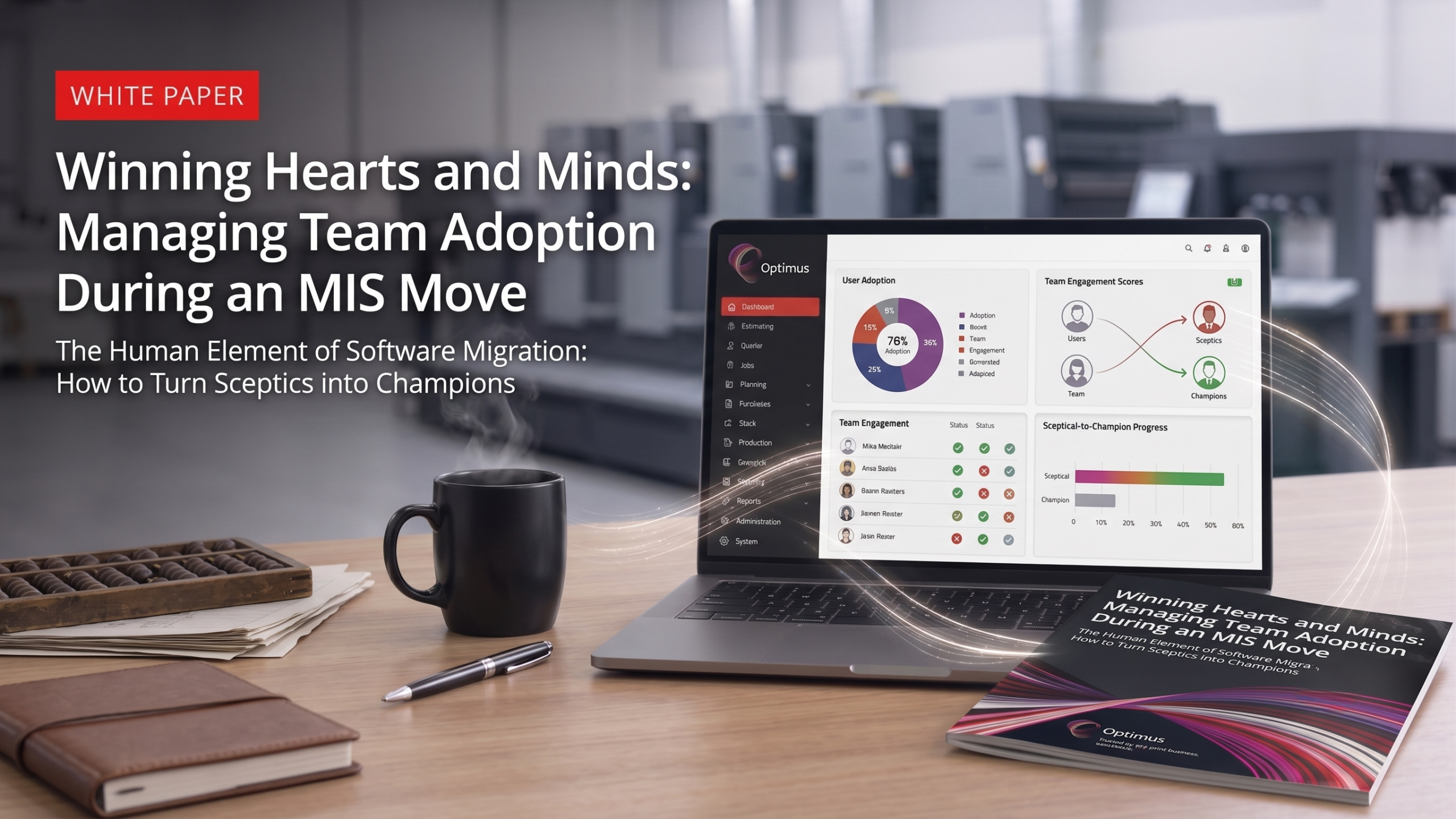
Could Your Team Be the Key to a Successful MIS Move? White Paper 5 of 7
The Human Element of Software Migration: How to Turn Sceptics into Champions
Executive Summary
You can purchase the fastest, most advanced Print MIS on the market, but it is entirely useless if your team refuses to log into it. Software migrations rarely fail because of the technology alone; human resistance can be just as significant.
Change is terrifying. When you replace a legacy system or a comfortable manual process, you are threatening your employees’ daily routines, challenging their sense of expertise, and sometimes triggering fears about job security.
This white paper provides a psychological toolkit for handling pushback from your production, estimating, and sales teams. By applying these change management strategies, you can ensure your staff embraces the new MIS as a powerful asset rather than a corporate burden.
1. Understanding the Root of the Resistance
Before you can convince your team to adopt the new system, you must understand why they are fighting it. Often, it stems from the ‘Expertise Threat.’ A veteran estimator or press operator who has mastered the old system may fear looking like a beginner on the new platform.
You must also address the fear of automation. To many employees, ‘increased efficiency’ sounds suspiciously like layoffs. Management must clearly communicate that the software is meant to remove tedious admin work, not eliminate jobs.
Finally, recognise the comfort of broken processes. People will often prefer a broken system they understand over a perfect system they do not. Breaking this inertia requires patience and clear communication.
2. The ‘WIIFM’ Principle (What’s in it for Me?)
Your staff may not understand the business’s financial ROI. They care about their day-to-day workload. To win them over, you must sell the benefits of the software tailored to each specific role.
For the Estimator, focus on how they will no longer have to build complex quotes from scratch or spend hours hunting down paper pricing. For the Production Manager, highlight the end of physically running around the shop floor looking for lost job tickets.
For Sales and Customer Service, emphasise that real-time job tracking means they can answer customer questions instantly while on the phone, without ever having to call the production floor.
3. Empowering Your ‘Super Users’
You cannot drive a software transition alone from the top. You need champions on the shop floor. Identify ‘Super Users’ — the most respected, vocal employees in each department — even if they are initially sceptical.
Give these users ownership of the project. Involve them in the configuration and testing phases so they feel they helped build the system. When employees have a hand in creating the workflow, they are far less likely to criticise it.
Rely on the ripple effect. Peer-to-peer training and enthusiasm can be far more effective than a mandate from management. When the floor staff see their respected peers adopting the software, the rest will follow.
4. A Better Approach to Training
A single, massive training session the day before go-live is a recipe for disaster. Training must be approached strategically. Utilise Role-Based Training; the finishing department does not need to sit through a three-hour seminar on how the estimating module works.
Provide a ‘Sandbox’ safety net. Give employees a test version of the software where they can click buttons, make mistakes, and break things without the fear of ruining real company data.
Create customised ‘Cheat Sheets’ for the most common daily tasks (clocking in, moving a job status, finding a ticket). Quick-reference guides reduce anxiety and keep production moving during the early days of adoption.
5. Go-Live and Holding the Line
The hardest part of a migration is not launch day; it is the month after launch day. Management must navigate the Productivity Dip, setting realistic expectations that things will temporarily slow down before they speed up.
You must ‘Burn the Boats.’ Set a hard date to completely turn off the old system and strictly ban Excel workarounds. If you leave a backdoor open to the old way of doing things, the staff will take it.
Finally, celebrate the early wins. Publicly highlight successes, like the first complex job that flows flawlessly from quote to invoice without a single manual intervention, to build momentum and prove the system’s value.
Conclusion
Technology doesn’t transform businesses; people do. A successful MIS migration is 20% software and 80% change management. By understanding the root causes of resistance, communicating the direct benefits to each role, empowering your super users, and holding the line post-launch, you ensure your investment is fully utilised.
When your team stops fighting the software and starts leveraging it, the true operational efficiency of your business is finally unlocked.
What’s Your Next Step? Once your team is confidently using the core system, the next phase of growth is connecting that system to the outside world.
Continue the Journey: Read the next guide in our Print MIS migration series, ‘White Paper 6: Beyond the Install’ to discover how integrating your new MIS with your web storefronts and accounting software creates a truly frictionless, automated print factory.
Talk to an Expert: Want to see an intuitive interface your team will enjoy using? Book a Discovery Call for a friendly chat.
Previous White Paper: Number 4 of 7 – From Spreadsheets to Systems: Making the leap to your first Print MIS